App Download QR Codes: Drive Mobile Installs From Print & Events
Route users to the right app store with one scan. Smart device detection, campaign attribution, and placements that lower cost-per-install.

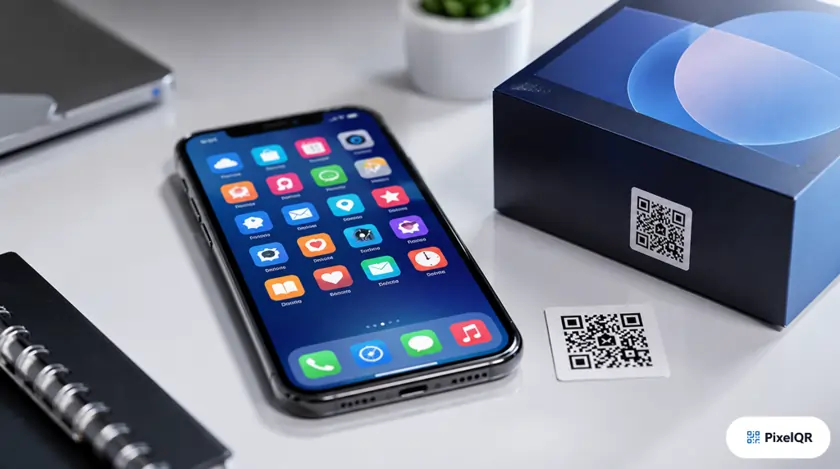
Getting users to search an app name in the store is friction you cannot afford on a billboard or product box. App download QR codes detect the scanner's device and route to the correct App Store or Google Play listing in one tap—cutting cost-per-install by 28% on offline-to-app campaigns.
Smart Store Routing
A well-built app download QR performs device detection server-side: iPhone users land on the App Store, Android users on Google Play, and desktop scanners see a page with both options plus a QR to continue on mobile. This eliminates the #1 failure mode—sending Android users to an iOS-only link.
App Store deep link
Google Play deep link
Dual-store landing page
High-ROI Placement Channels
- Product packaging: "Download our app for warranty registration and rewards."
- Retail end-caps: In-store exclusives available only in the app.
- Event signage: Conference apps, festival schedules, networking tools.
- Print ads: Magazine and transit ads with app-exclusive offers.
- Onboarding mailers: SaaS welcome kits prompting mobile app adoption.
Attribution & Optimization
Use unique dynamic app download QR codes per channel—billboard vs flyer vs packaging—to attribute installs in analytics. Pair with UTM parameters on fallback web landing pages. Refresh store listing screenshots seasonally; the QR stays the same while your campaign creative evolves.
Create an App Download QR
Enter your App Store and Play Store URLs—PixelQR handles device detection and scan tracking automatically.
Create App Download QR →