Digital Business Card QR Codes vs vCard: Which Format Wins for Networking in 2026?
vCard saves contacts locally; digital business cards deliver rich interactive landing pages. Compare features, use cases, analytics, and when to use each format for maximum networking ROI.

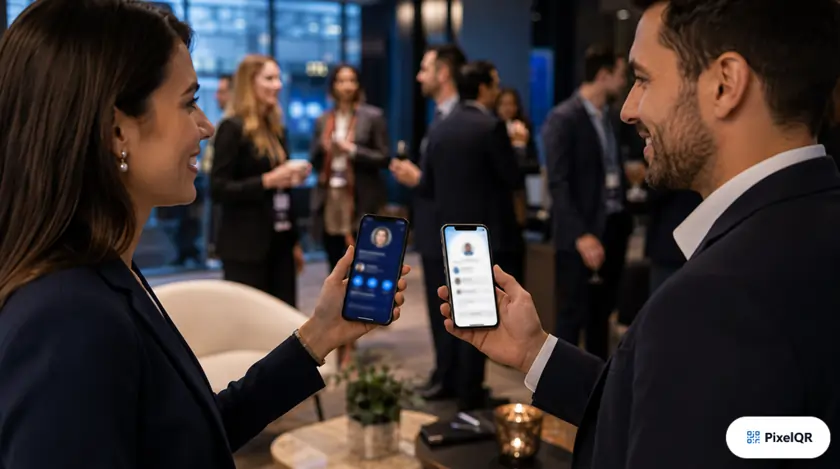
Both formats fit on a business card. Both work with one scan. But vCard QR codes and digital business card QR codes deliver fundamentally different experiences—and choosing wrong costs you follow-ups, analytics, and brand impressions.
Quick Comparison
| Feature | vCard QR | Digital Business Card |
|---|---|---|
| Save to phone contacts | ✓ One tap | ✓ Button |
| Rich media (video, portfolio) | ✗ | ✓ |
| Social link buttons | Limited | ✓ Full |
| Update after print | Static only | Dynamic |
| Scan analytics | ✗ Static | ✓ |
| Works offline | ✓ | Needs data |
| Brand presentation | Basic | Premium |
What Is a vCard QR Code?
A vCard QR encodes contact data directly in the QR pattern (name, phone, email, company). When scanned, the phone offers to save the contact locally—no website visit required. It's fast, private, and permanent on static codes.
Best for vCard
- • Personal networking where you won't change roles soon
- • Events with poor WiFi or cellular coverage
- • Simple contact handoff—no sales pitch needed
- • Free static codes with zero ongoing cost
What Is a Digital Business Card QR?
A digital business card QR opens a mobile-optimized landing page: photo, bio, click-to-call, email, calendar booking, LinkedIn, portfolio gallery, and promotional banners. With dynamic QR, you update everything without reprinting cards.
Best for Digital Business Card
- • Sales professionals tracking networking ROI
- • Freelancers showcasing portfolio work
- • Executives who change titles or companies
- • Anyone running seasonal offers on their card
The Analytics Advantage
Sales teams using dynamic digital cards report 43% higher follow-up conversion because they know who scanned, when, and from which event. vCard static codes leave you blind—was that stack of cards worth the trip?
Scan count
Per event / campaign
Device & location
Geographic networking map
Link clicks
LinkedIn vs calendar vs offer
Expert Recommendation by Role
- Corporate employee (non-sales): vCard static—simple, free, contact-only.
- Account executive / BD: Digital card dynamic—analytics, portfolio, updatable offer.
- Real estate agent: Digital card—listings gallery, booking, always-current listings.
- Conference speaker: Digital card—slides link, socials, newsletter signup.
- Hybrid approach: Digital card page with prominent "Save Contact" vCard download button.
Design Tips for Either Format
- Print QR minimum 2 cm on standard business card stock
- Add human CTA: "Scan to connect" — never a naked QR alone
- Use brand colors with H-level error correction if logo embedded
- Put QR on back of card; front stays clean for first impression
Create Your Networking QR
Build a vCard for instant contact save, or launch an interactive digital business card with analytics.