QR Code Web Login: Passwordless Authentication for Your Website in 2026
Replace passwords with scan-to-login QR authentication. Implement passwordless sign-in with Google, Facebook, and GitHub using PixelQR Web Login SDK—faster onboarding and stronger security.

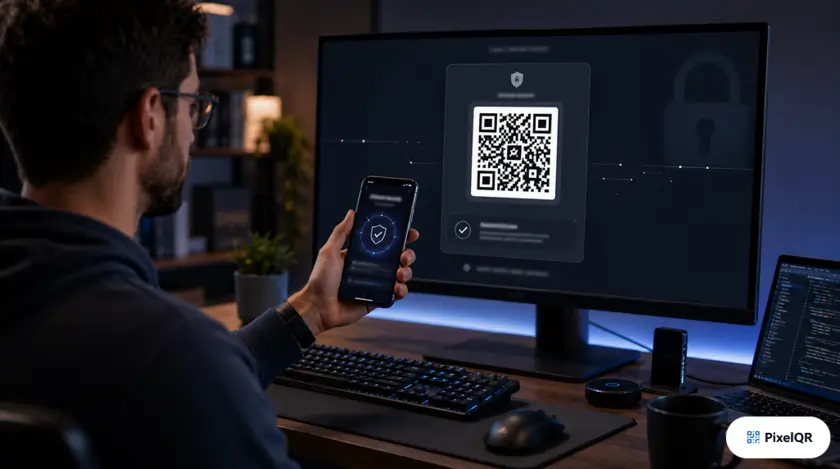
Password fatigue costs businesses real money: 67% of users abandon sign-up when forced to create yet another password. QR code web login lets authenticated users on mobile scan a code on desktop to sign in instantly—no typing, no reset emails, no credential reuse.
How QR Web Login Works
Desktop Experience
- 1. User visits your login page
- 2. Page displays a unique, time-limited QR code
- 3. Code refreshes every 60 seconds for security
- 4. Session establishes when mobile confirms auth
Mobile Experience
- 1. User scans QR with phone camera
- 2. Opens secure auth page (Google, Facebook, GitHub)
- 3. One-tap approve on already-logged-in device
- 4. Desktop logs in automatically
Why QR Login Beats Traditional Auth in 2026
| Factor | Password Login | QR Web Login |
|---|---|---|
| Phishing resistance | Low | High |
| Mobile-to-desktop flow | Awkward | Native |
| Support ticket volume | High (resets) | Low |
| Time to authenticate | 45–90 sec | 8–15 sec |
PixelQR Web Login SDK Integration
Integrate scan-to-login in three steps:
Step 1 — Register your application
Dashboard → Web Login → Add domain → Copy client ID
Step 2 — Embed the QR widget
Add SDK script + mount point on your login page
Step 3 — Handle session callback
Verify token server-side → issue your app session cookie
Security Best Practices
- ✓ Rotate QR tokens every 60 seconds
- ✓ Bind tokens to browser fingerprint + IP range
- ✓ Require HTTPS on all auth endpoints
- ✓ Log failed scan attempts for anomaly detection
- ✗ Never pass session tokens in URL query strings
- ✗ Do not extend token TTL beyond 2 minutes
- ✗ Avoid displaying QR on shared/public kiosks without PIN
- ✗ Skip server-side token verification
Ideal Use Cases
QR web login shines where users switch between devices:
- SaaS dashboards (design tools, analytics)
- Smart TV and gaming platform pairing
- POS and kiosk admin access
- Developer portals and API consoles
Add Passwordless Login to Your Site
Explore the PixelQR Web Login SDK, test the flow, and ship scan-to-authenticate in an afternoon.